AI Agents
An AI analyst, configured for the way you work.
Configure analysis instructions, Business Context, and output preferences once. Then bring the same analytical approach to the work you repeat.
Free plan available. No credit card required.
Swipe to inspect the interface
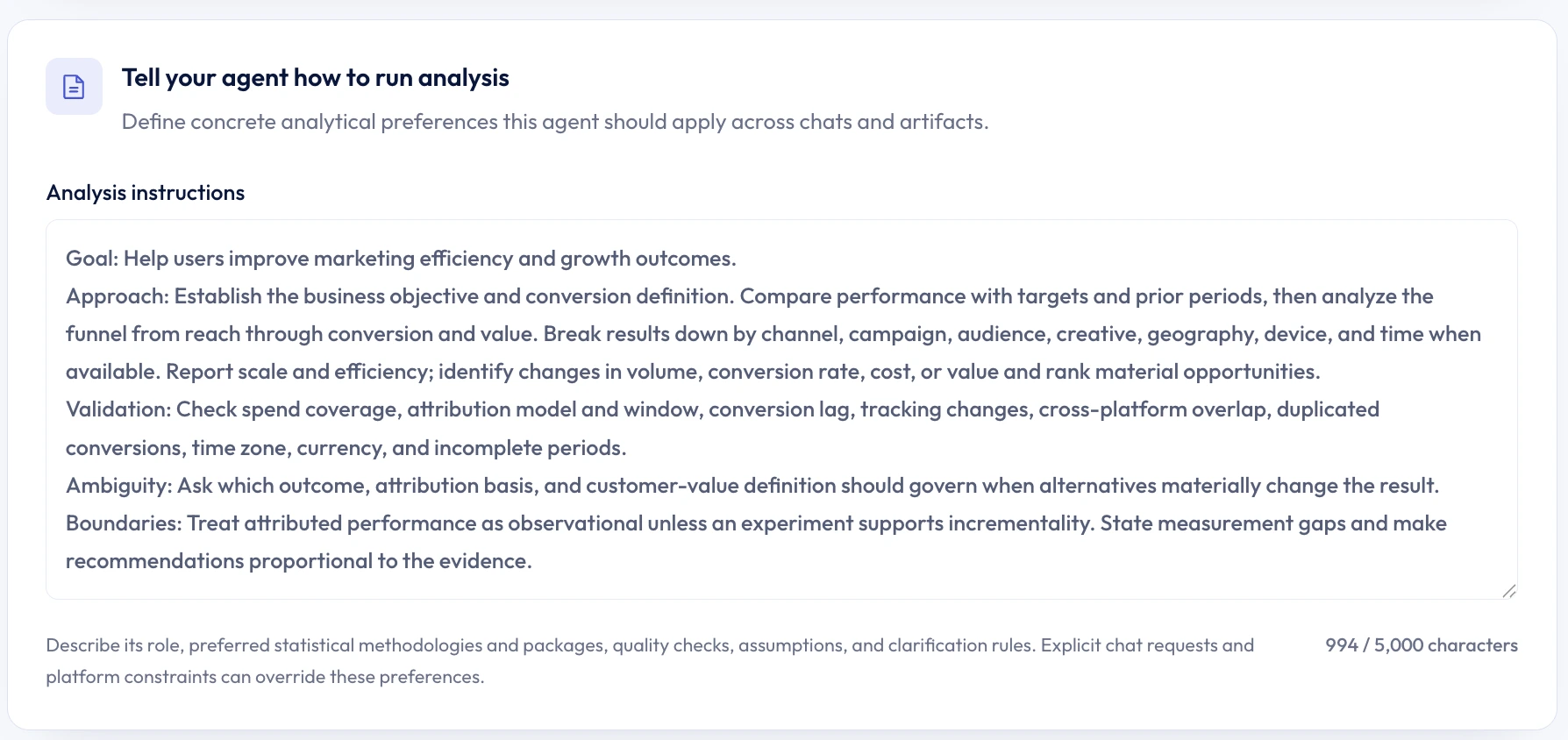
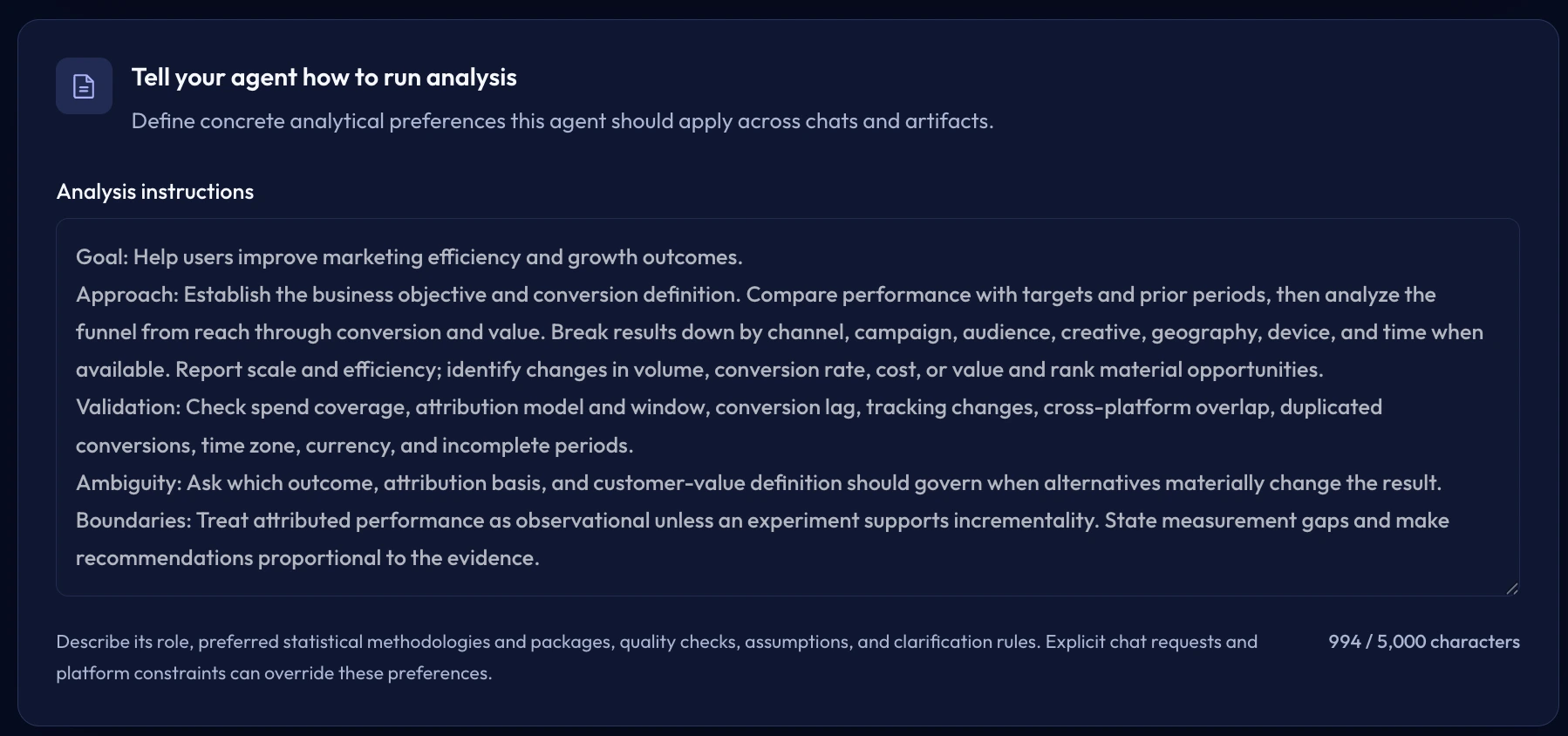
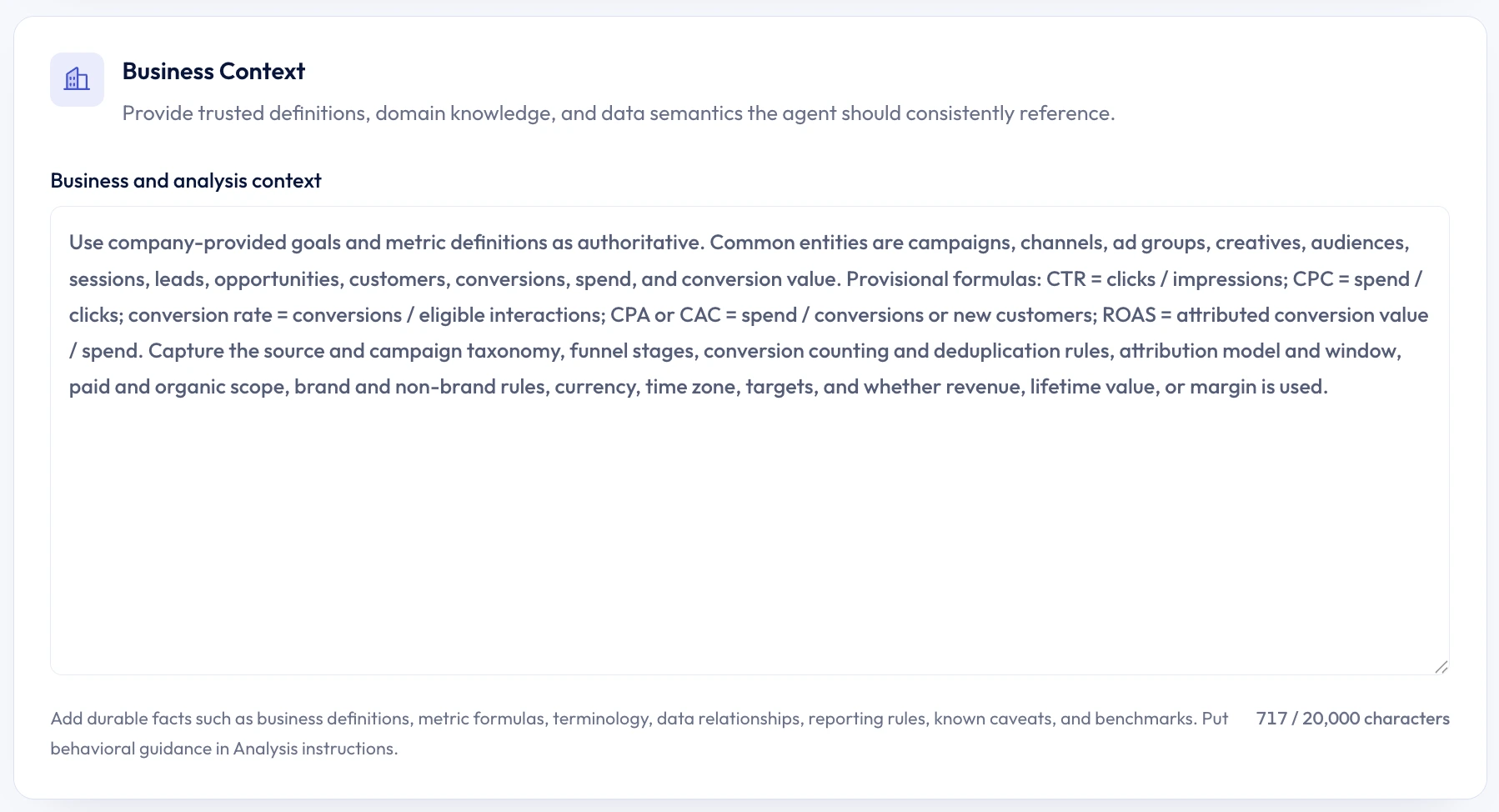
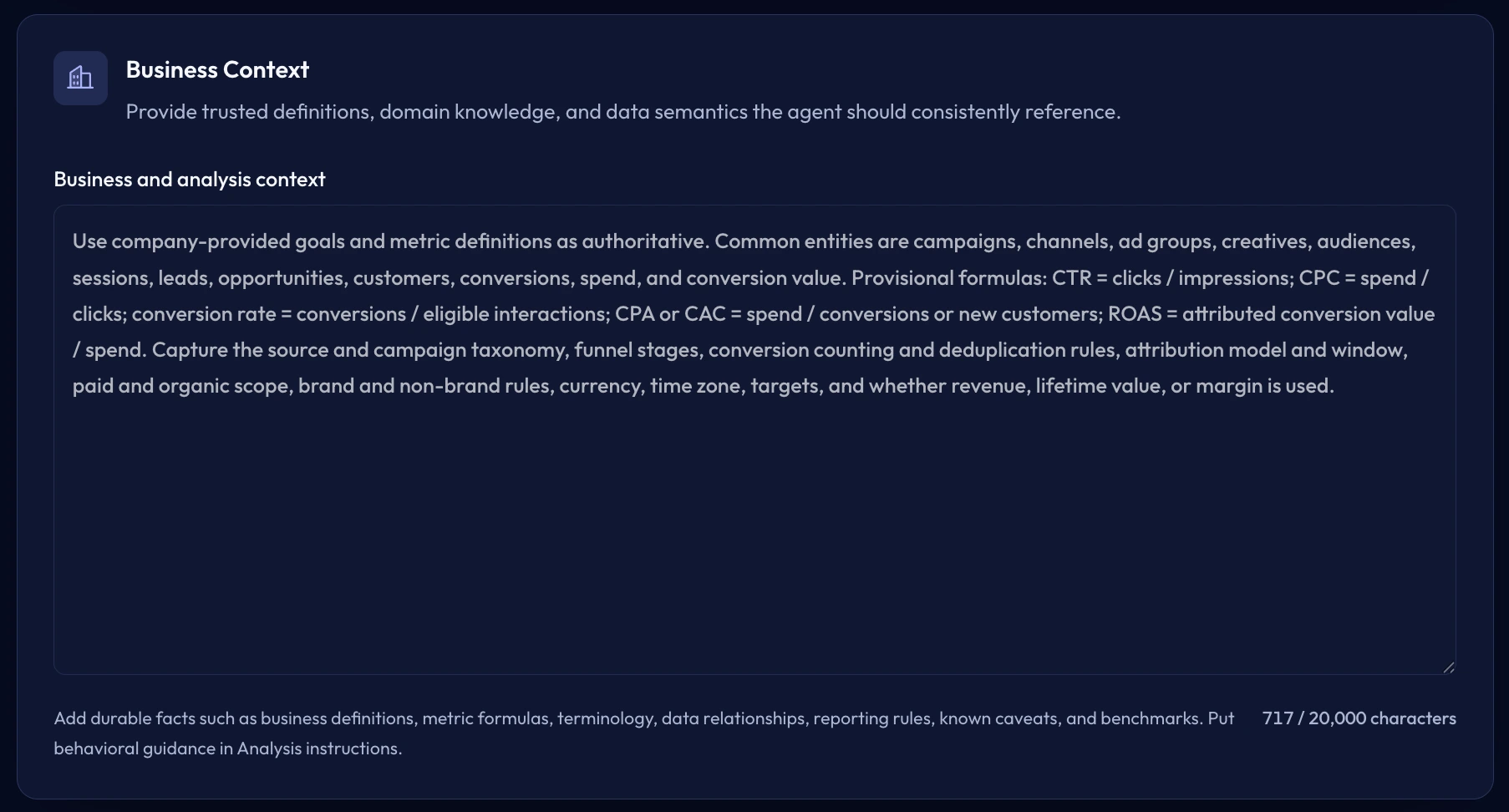
Instructions and knowledge
Save the thinking you repeat in every prompt.
Analysis instructions define how the Agent should investigate, validate, and clarify. Business Context holds the durable terminology, definitions, operating rules, and reference material it should know.
- Specify methods, quality checks, assumptions, and clarification rules.
- Add trusted business definitions, benchmarks, examples, and optional reference files.
- Publish a version before applying that configuration to a chat.
Swipe to inspect the interface
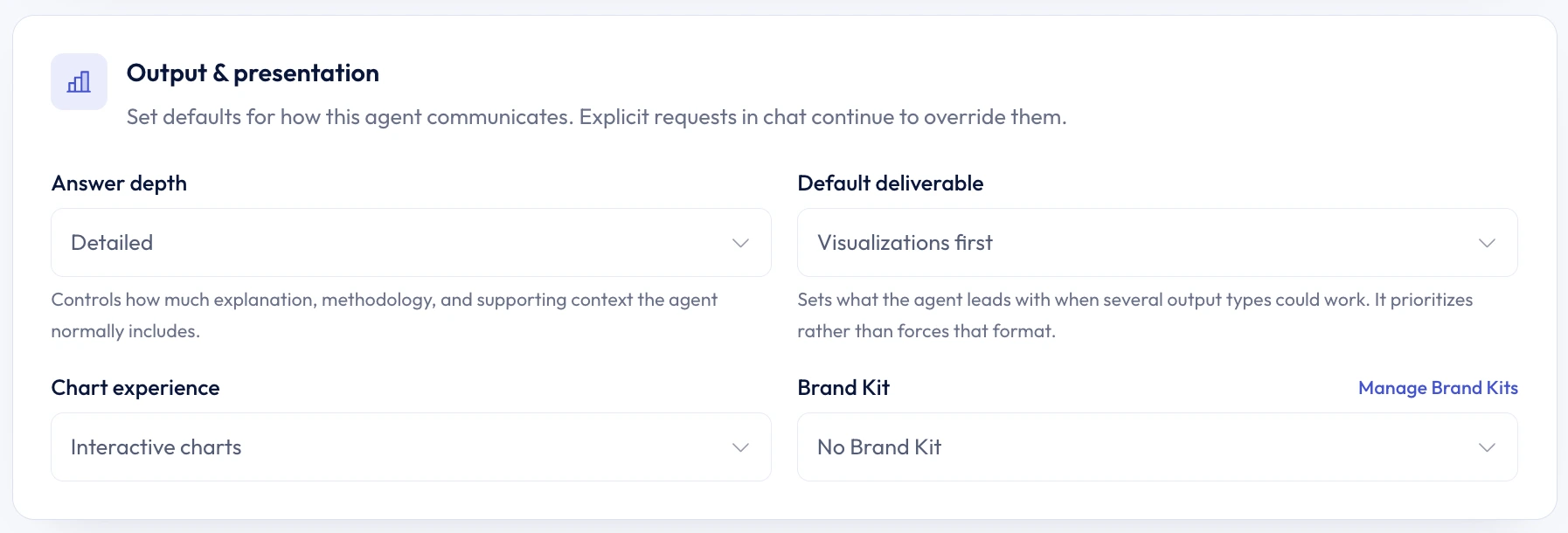
Output and presentation
Define what a useful answer should look like.
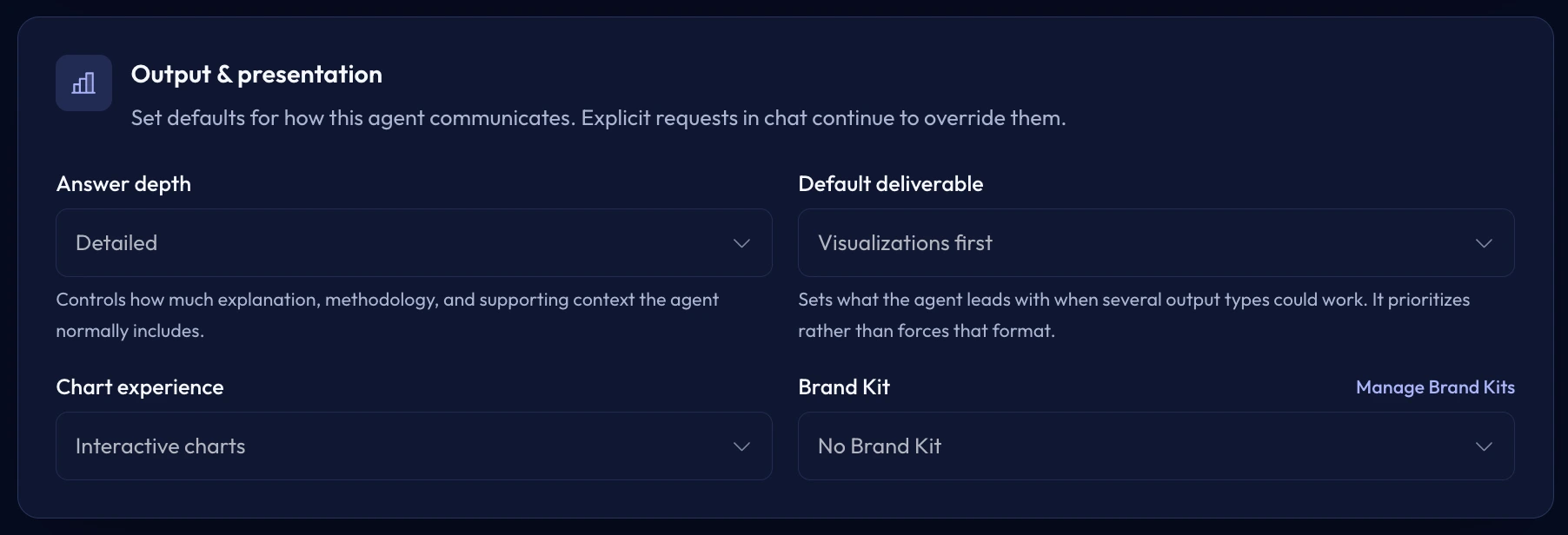
Set the default answer depth, preferred deliverable, and chart experience. Apply a fixed Brand Kit when the work should consistently use the same visual system.
- Choose concise, balanced, or detailed answers.
- Choose Balanced, Visualizations first, Files first, or Insights first as the default deliverable.
- Set chart behavior and an optional fixed Brand Kit.
Swipe to inspect the interface
Reuse without rework
Configure once. Bring it to the work.
A focused Agent can guide a quick question today and the recurring deliverables you run next month.
Chats
Begin with the right methods and business knowledge already selected.
Scheduled tasks
Reuse the same analytical approach on the schedule you choose.
Dashboards & reports
Carry the same priorities and answer style into recurring deliverables.
Slack
Answer Slack questions with the Agents your admin set, or pick others with Customize.
Presentations
Keep the story, level of detail, and Brand Kit consistent through the deck.
When an Agent is applied, that chat keeps the selected published configuration.
Connected SQL data
Need to define what your database means?
Data Context adds approved table, field, relationship, and metric meaning to connected SQL databases.
Compare your options
Decide with evidence, not a sales pitch.
Open a neutral research prompt in the AI tool you already use. Compare capabilities, limitations, and fit before you choose.
- 01ChatGPTOpen a balanced comparison prompt in ChatGPT.
- 02ClaudeOpen the same research prompt in Claude.
- 03PerplexityResearch the comparison with linked web sources.
AI answers can be incomplete. Check source links, current pricing, and product documentation before deciding.
Your analytical starting point
Configure once. Start the next analysis ready.
Create an Agent with the methods, business knowledge, and output preferences you want Better Analyst to reuse. No credit card required. Free plan available.